
Satin (area) for lettering and logos
How Satin (area) lays satin columns along a shape's strokes, why lettering looks smooth with it, and when it fills instead.
Updated October 19, 2026
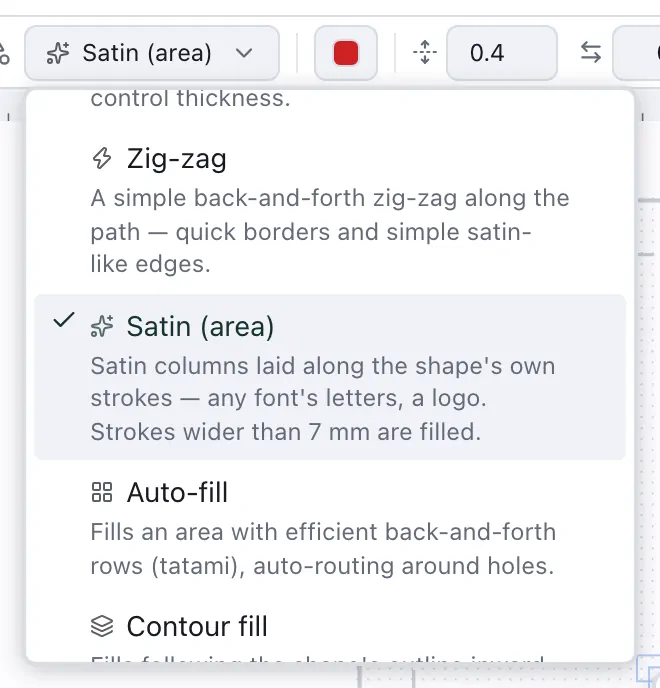
A satin column is a dense zigzag between two rails: smooth, raised and glossy — the stitch of lettering and borders. Drawing the rails by hand takes time. Satin (area) finds them for you: it reads the shape's strokes, lays a column along each one and joins them in sewing order.
How a column is sewn
Each column starts with an underlay down its middle, which holds the fabric; then the satin swings from rail to rail across it.
Lettering from the dialog is sewn in Satin (area) unless you choose Fill (tatami) or Running outline under Stitch type — which is why a name looks finished the moment you add it.
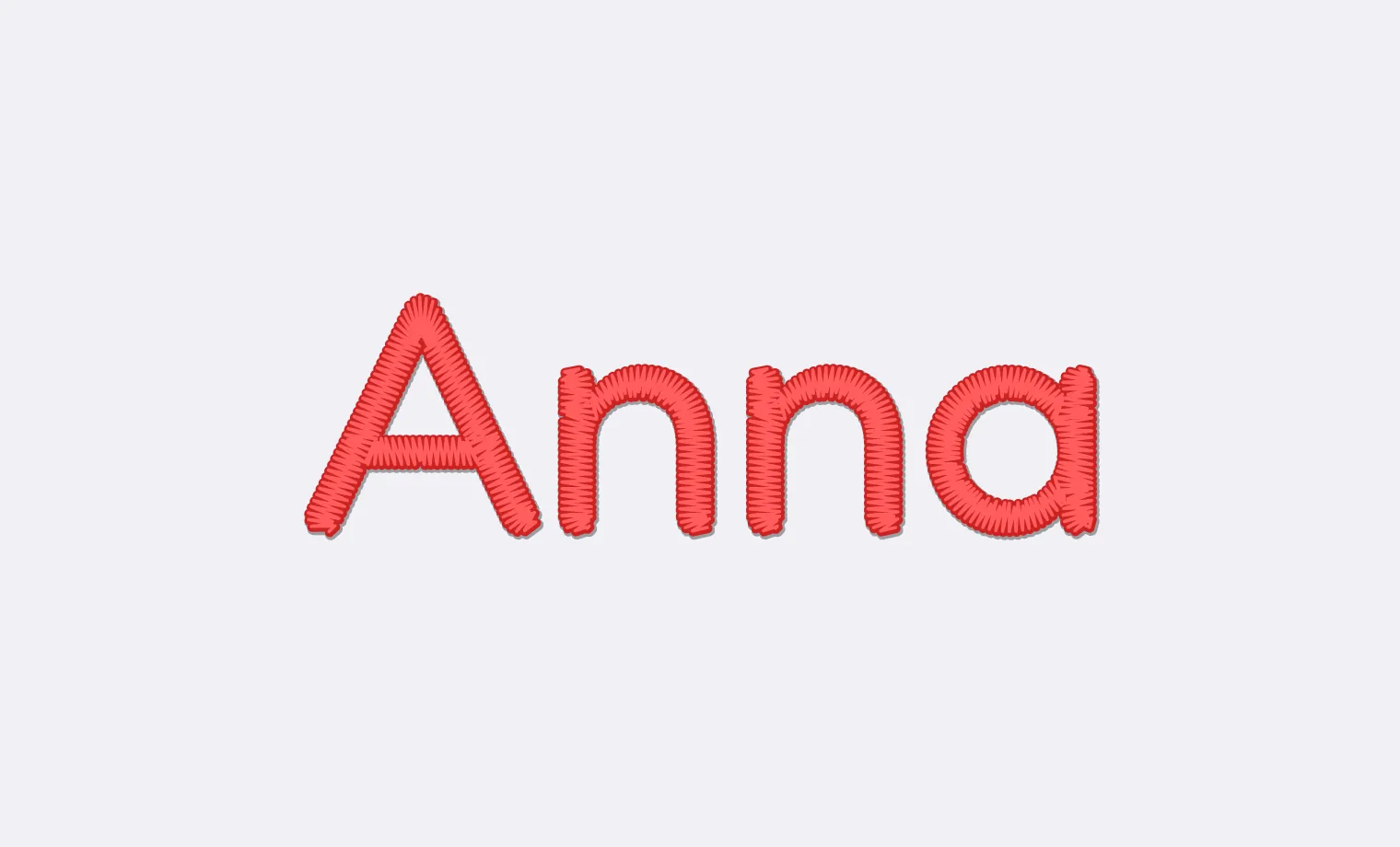
Between letters and islands the thread is tied off and trimmed, so no connecting threads are left to snip; pieces less than 1 mm apart are sewn over. Trim between pieces under Advanced switches this off.
When it fills instead
Satin stitches grow long and loose when a column gets wide, so strokes wider than 7 mm are filled rather than satined. The limit is Fill strokes wider than under Advanced, but for big, bold lettering a fill — or a textured fill — usually sews better anyway.