
Draw and colour shapes
Draw shapes from the tool dock — rounded rectangles, symbols, arcs and frames among them — give each a thread, frame a selection and draw rosettes.
Updated October 31, 2026
The shape tools sit in the dock on the left. A shape you draw takes the active thread and a fill, so it is ready to sew the moment it exists.
- 1
Pick a shape tool. Hover over the dock to see each tool's name and its shortcut — Ellipse is
O.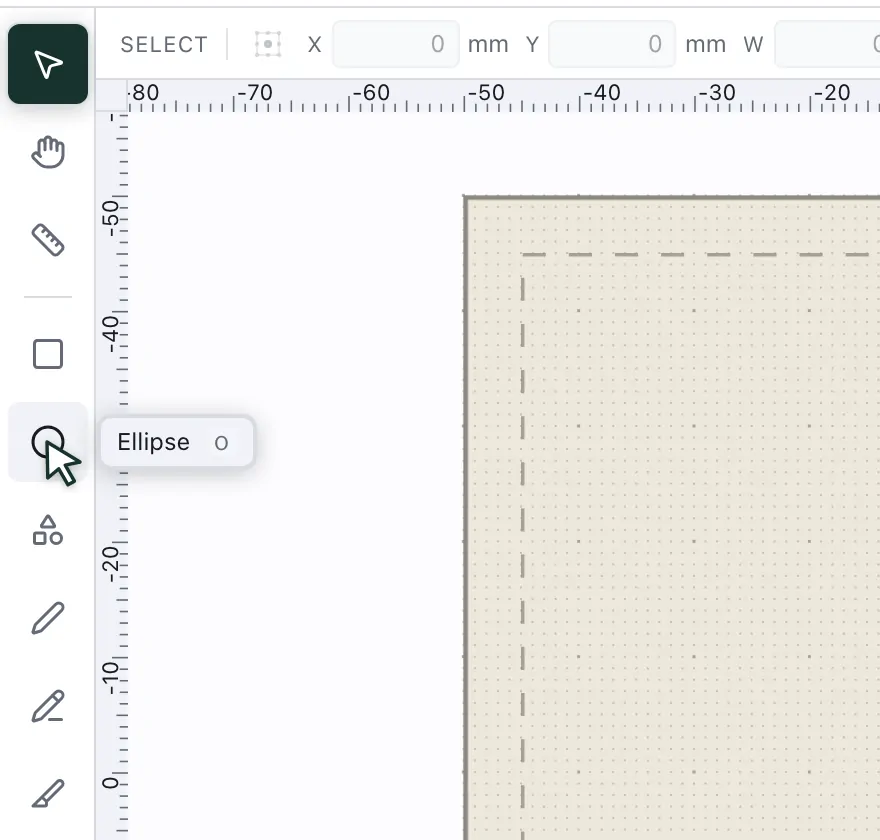
- 2
Drag it out in the hoop. Hold Shift for a circle or a square, and Alt (
⌥on a Mac) to draw it from the centre. The bar above shows the size in millimetres, and you can type exact values there. - 3
Give each shape a thread. Select a shape and click a colour in the palette on the right — the shape takes it. With nothing selected, the click sets the thread for the next shape you draw.
- 4
Keep it inside the hoop. The solid outline is the sewing field and the dashed line keeps a 5 mm margin. Anything past the outline shows up under Problems.
The Shapes tool
The Shapes tool in the dock places ready-made shapes. Pick one in the bar above the canvas — Triangle, Polygon, Star, Heart, Donut and Rounded rectangle sit there as tabs — or open More shapes for the rest: a club, a spade and a diamond, a notched rectangle, a shield, a pennant, a wave, a moon, a drop, a cloud, a flower and a leaf; an arc, a pie and a segment; and the frames. Click on the canvas to place one 30 mm across, or drag to size it. Each keeps its own proportions, and Alt (⌥) draws it from the centre.
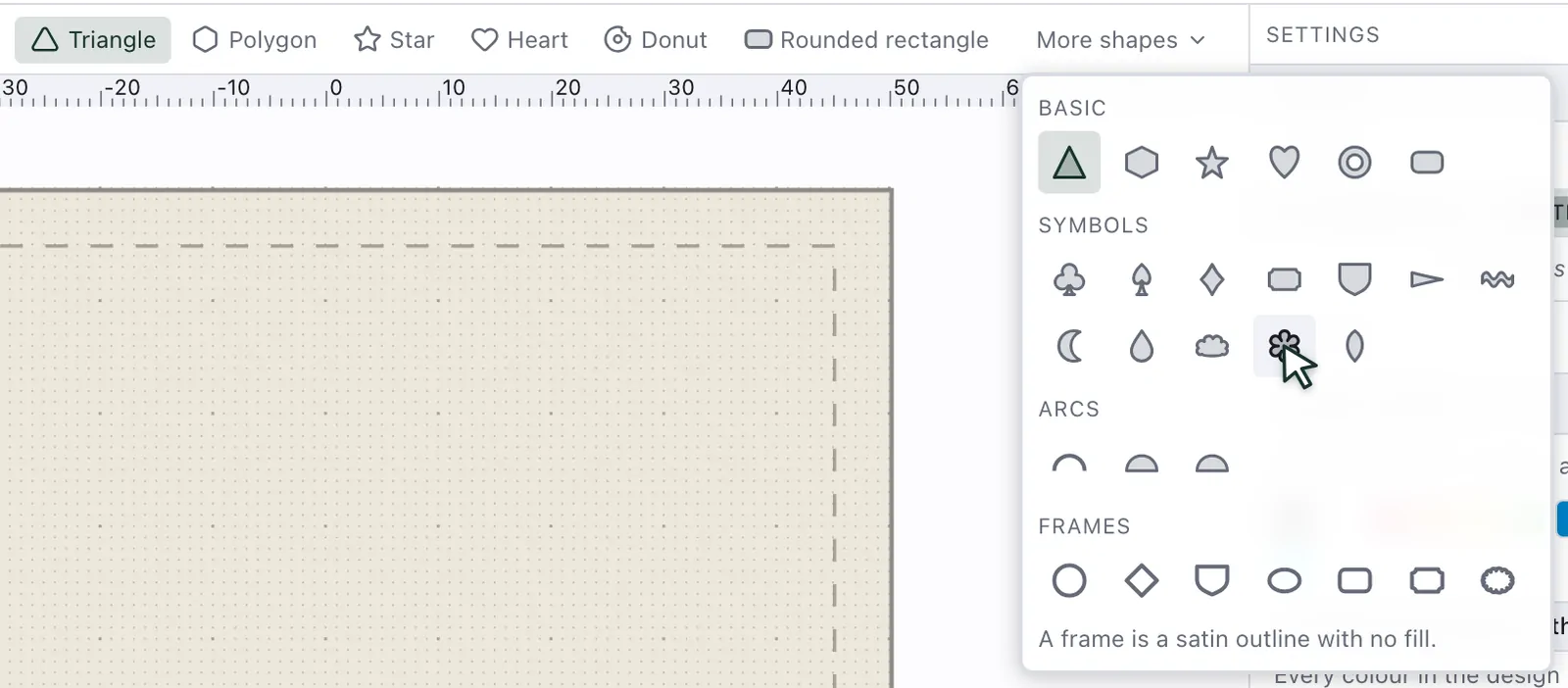
A shape stays what it is. Select it and the bar shows its settings — a polygon's corners, a star's points, a flower's petals, the waves of a wave, a moon's thickness, an arc's angle — and a change redraws it where it is, turned or stretched as you left it. Editing its nodes, or Object ▸ Convert to path, makes it a plain path. A closed shape starts as a fill with the design's current settings for areas; an arc is a line, sewn with the settings for lines.
Rounded rectangles
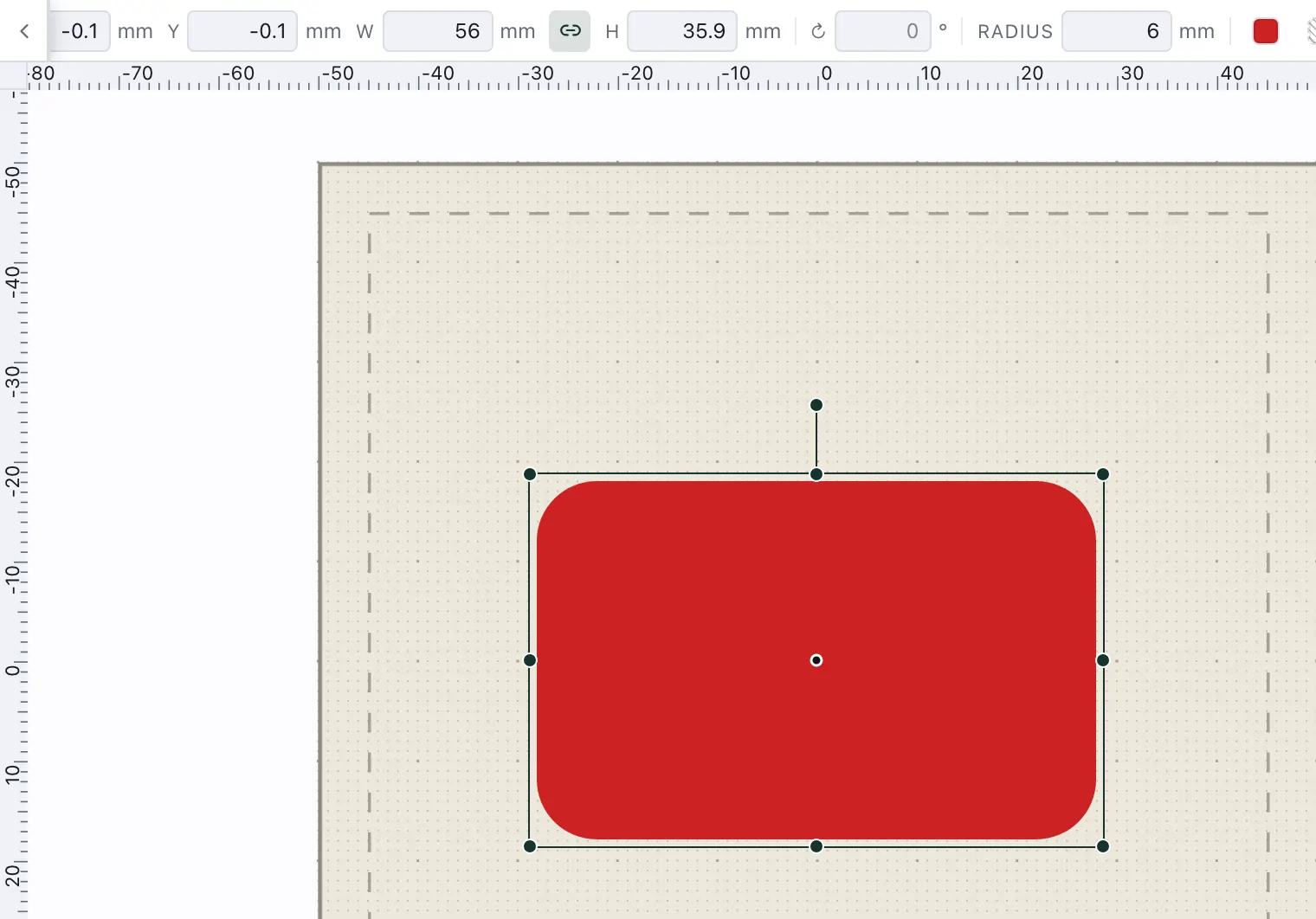
Choose Rounded rectangle and drag it out as you would a rectangle: Shift makes a square, Alt draws it from the centre. Radius in the bar sets the corners of the next one and of the one selected. The radius stays in millimetres when you resize the rectangle — by its handles or in W and H — so its corners keep their look at any size; it is never more than half the shorter side. A rounded box in an SVG you import arrives as a rounded rectangle, its radius ready to change.
Frames
A frame is a shape sewn as a satin line with no fill: a circle, a diamond, a shield, an oval, a rounded or notched rectangle, or a scalloped oval — the frames a monogram has (Insert a monogram). Pick one under More shapes ▸ Frames and place it as any shape: it starts as a 3 mm satin Outline in the active thread with its Fill off. Its width and stitch are on the Outline tab of Stitch settings.
Add a frame round a selection
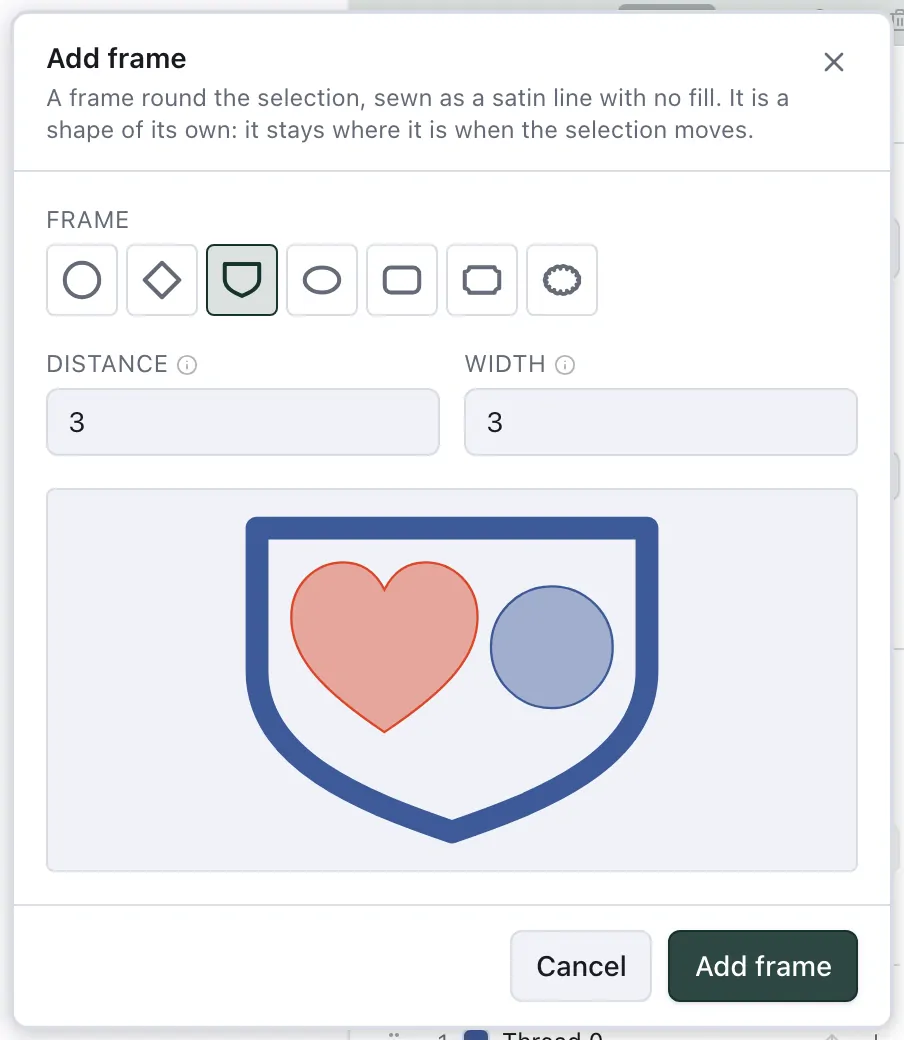
Object ▸ Add frame… lays a frame round what you selected — shapes, a text, a group. Choose the frame, its Distance from the selection — 3 mm to begin with, to the frame's inner edge — and the Width of its satin, 3 mm; the preview draws it round your selection, to scale. The frame is sewn last, in the thread of the topmost object you selected, and is selected afterwards, Stitch settings open on its Outline. It is a shape of its own: move the selection and the frame stays where it is, so add it last or add a new one. An outline that follows its objects is Object ▸ Add outline (Offset, simplify and holes).
Rosettes
Insert ▸ Rosette… draws a floral line pattern. Loops is one line that loops out to the edge, Petals one line whose petals meet in the middle, and Circles a ring of interlocking circles. Set how many, the Diameter, and how far the loops reach in or how large the circles are; the preview follows every change. With something selected, the rosette sits on it, as large as its shorter side to begin with; otherwise in the middle of the hoop. It is a line in the active thread, sewn with the design's settings for new lines — choose Bean in the Stitch bar for a bolder line.
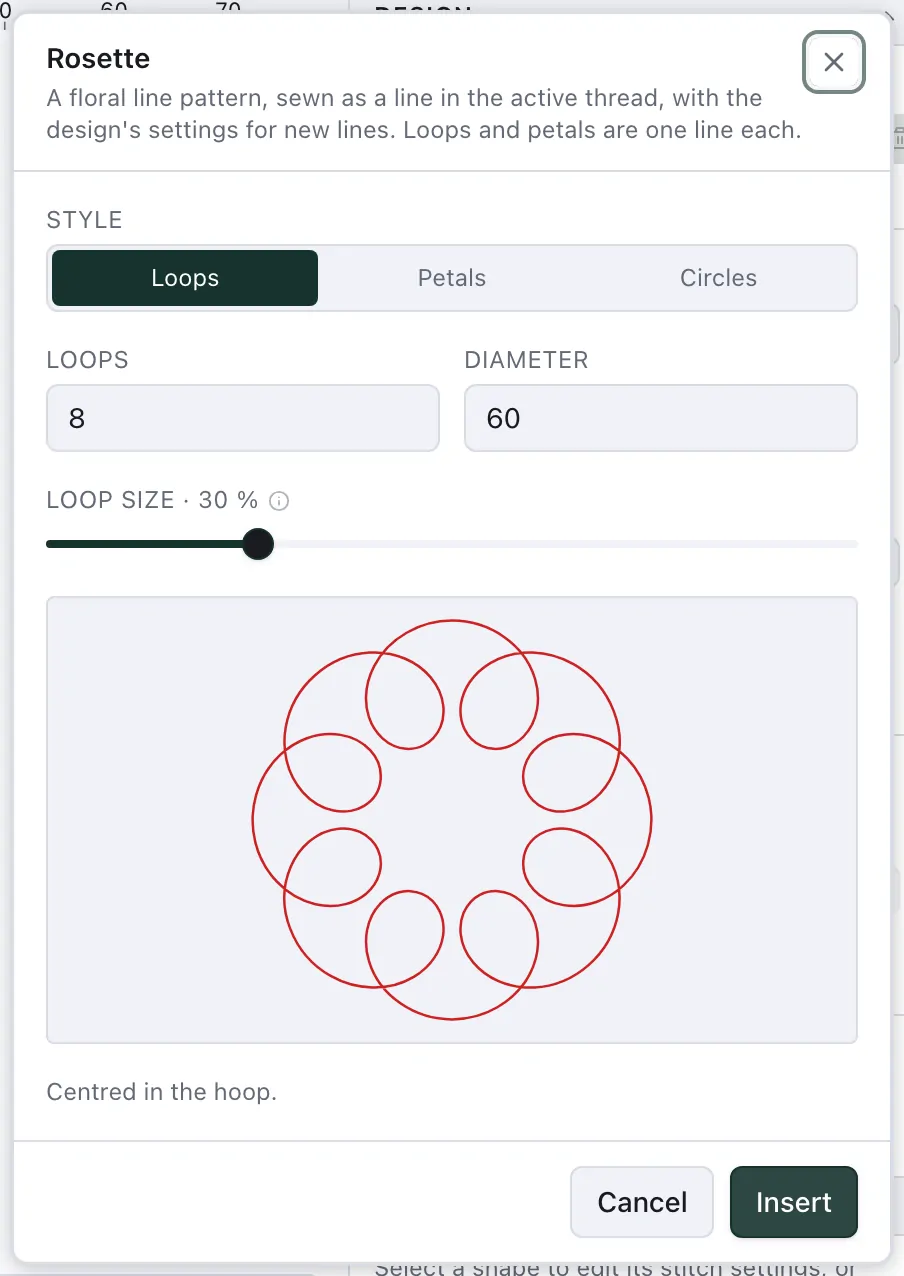
Petals all meet in the middle, and so do loops and circles at 50 %: there the needle goes through the same spot again and again. On a fine fabric, choose Loops or Circles at another size, which keeps the middle free.