
Motif run
Repeat a motif along a line or around a shape, using a built-in motif or your own.
Updated November 10, 2026
A motif run repeats a small motif along a line: a wave, a heart, a star, a chain link. The motifs follow one another along the line and are sewn as one line, with no jump and no cut between them, so a border of thirty hearts sews as smoothly as a running stitch. It is a stitch type for a line, and a stitch for a shape's outline, where the motifs run round its edge. You can draw motifs of your own and keep them in My motifs.
Make a line a motif run
Select a line — or a shape, whose outline it then follows — switch to the Stitch view and choose Motif run under Type in the bar above the canvas. A new motif run starts with the set's first motif, 4 mm high, sewn with 1.5 mm stitches. The bar shows Size, Spacing, Repeats and Length; Stitch settings in the right rail shows the motif itself and every setting. The Stitch view draws the motifs' stitches along the line as they will be sewn.
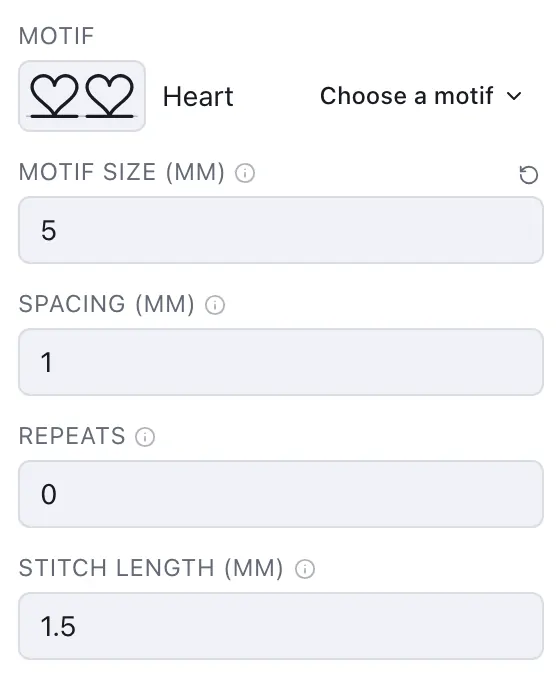
Choose a motif
Choose a motif, beside the motif in Stitch settings, opens the set in three groups: Lines, motifs that run on into the next, such as a wave or a scallop; Shapes, small pictures standing on the line, such as a heart, a star or a leaf; and Hand embroidery, the looks of stitches worked by hand. Click one to use it. Each motif comes with a spacing of its own, which the click sets too.
Lines92 stitches
Every object keeps its own copy of its motif, so a design goes on sewing as it did, whatever changes in the set later. My motifs, under the set, opens the motifs you keep yourself (My motifs).
Size, spacing and corners
Motif size (mm), Size in the bar, is how tall each motif is, across the line.
Spacing (mm) is the gap from one motif to the next. NextStitch stretches it a little so a whole number of motifs fits: on an open line the first motif starts at the line's start and the last ends at its end, and round a closed line the motifs close without a seam. At 0 the motifs touch, and a line a hair too short for a whole number of them still keeps every motif: two neighbours overlap by up to 0.1 mm instead of one being left out.
At every corner — wherever the line turns by 45° or more — a motif sits centred on the corner, and each side between two corners gets its own whole number of motifs, so the corners of a square all look alike. A corner motif that would reach past the band the motifs fill along the sides is fitted into it (below).
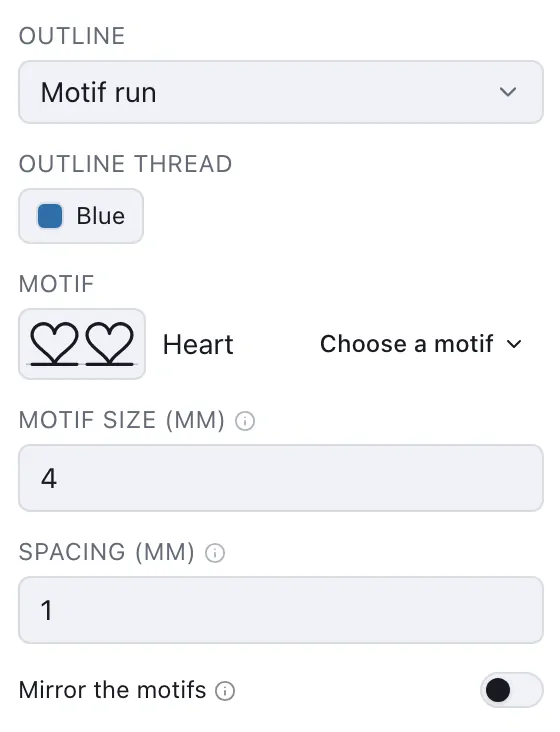
A motif stands on the left of the line, looking the way the line was drawn. Round a closed shape its top points away from the shape — outward from its outer edge, and into a hole — whichever way the shape was drawn. Mirror the motifs, under Advanced, turns them over to the other side.
Repeats sews every stitch of the motifs back and forth again, as a bean stitch does, for a bolder line: 0 sews it once, 1 three times, 2 five times, up to 10.
Sew the other way round, under Advanced, sews the same motifs from the line's other end: every motif stays where it is and on its side, only the order changes. To put the motifs on the other side of the line, use Mirror the motifs.
Stitch length (mm) is the longest stitch the motifs are sewn with. They are sewn as a running stitch along their drawing, so a shorter stitch follows a small motif more closely: keep 1.5 mm for motifs of about 4 mm, and go longer only for large ones. Tolerance (mm), under Advanced, works as on a running line (Tolerance).
1.0 mm161 stitches
Chain, V stitch and other hand-embroidery looks
The Hand embroidery group holds the looks of stitches worked by hand: a candlewick knot, whose spokes the needle sews out and back; an E-stitch stroke reaching off the line; a slanted stroke; a zigzag tooth; and the chain and the V stitch.
The chain and the V stitch are the figures an appliqué's cover sews (Appliqué), here along any line: a band as wide as the motif size, centred on the line. Their spacing is called Interval (mm) — the length of each chain link, or the distance between two V's — and is never less than 1 mm. Picked from the set they start at 2.5 mm; one that comes without an interval of its own is sewn at the line's stitch length. On an appliqué they run only round the piece's edge, in the cover's band; as a motif run, wherever you draw them.
The two figures are sewn once, so they have no Repeats. Mirror the motifs, under Advanced, sews them from the line's other end: a chain's links point the other way, and a V-stitch's run and its V's change sides. No stitch of a V stitch is shorter than 0.5 mm, at its corners either.
For a solid hand-sewn line rather than a row of motifs, use Backstitch or Stem stitch (Backstitch and stem stitch).
A motif run round a shape
Select a shape, open Outline in Stitch settings (or the outline's menu in the bar) and choose Motif run as its stitch. The outline's width is the motifs' height there, so the field says Motif size (mm): a shape's outline becomes 4 mm wide, sewn with 1.5 mm stitches, the first time you choose it. The motifs lie in the outline's band — centred on the edge, inside it or outside it, as Position says — with one centred on every corner and their tops pointing away from the shape, into a hole too. The outline has its own motif, spacing, mirroring and Repeats, apart from the shape's fill: Repeats sews its motifs once at 0, where every new motif outline starts, three times at 1 and five at 2, up to 10, as on a line; a chain or V stitch outline is sewn once and has none. Automatic never chooses a motif run: choose it yourself. Placed Outside with no Extra distance on a shape whose parts touch — two letters joined, say — the motifs run round the parts' joined outline, not round each part on its own. In the Stitch view the band is drawn faintly, with the motifs' stitches over it. Outline settings goes through the outline's other settings.
A motif centred on a corner lies straight across it instead of bending round it, so on a sharp corner a wide motif, such as the Leaf or the Heart, would reach past the band. NextStitch moves it along the line that halves the corner, just far enough to bring it into the band. Where that is not enough, it also makes it smaller, down to half its size; and where even half its size does not fit, the corner goes without a motif, and the line runs round it to the next one. The motifs along the sides stay where they are. A narrower motif, a larger shape or rounder corners keep every corner motif whole.
My motifs
A motif of your own is a drawing you keep in your account, in the My motifs folder of My files. It needs an account.
Draw it as it should sit on a line running to the right. Its top is the side the motifs stand on, and it is sewn from the middle of its left side to the middle of its right side. One closed outline, or a few lines that touch, work best.
Keep it. Select it, choose File ▸ Save a copy ▸ Selection as motif, give it a name and Save.
Use it. Select a motif run, open Choose a motif ▸ My motifs and click it.
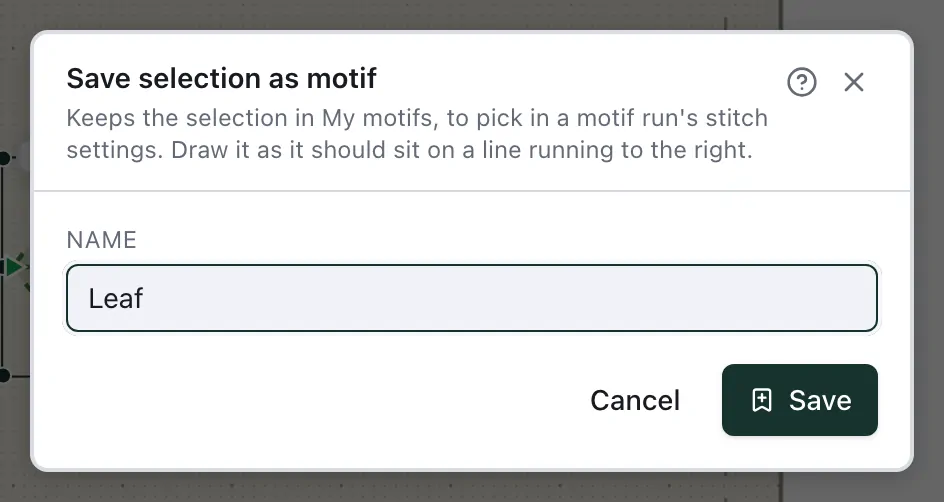
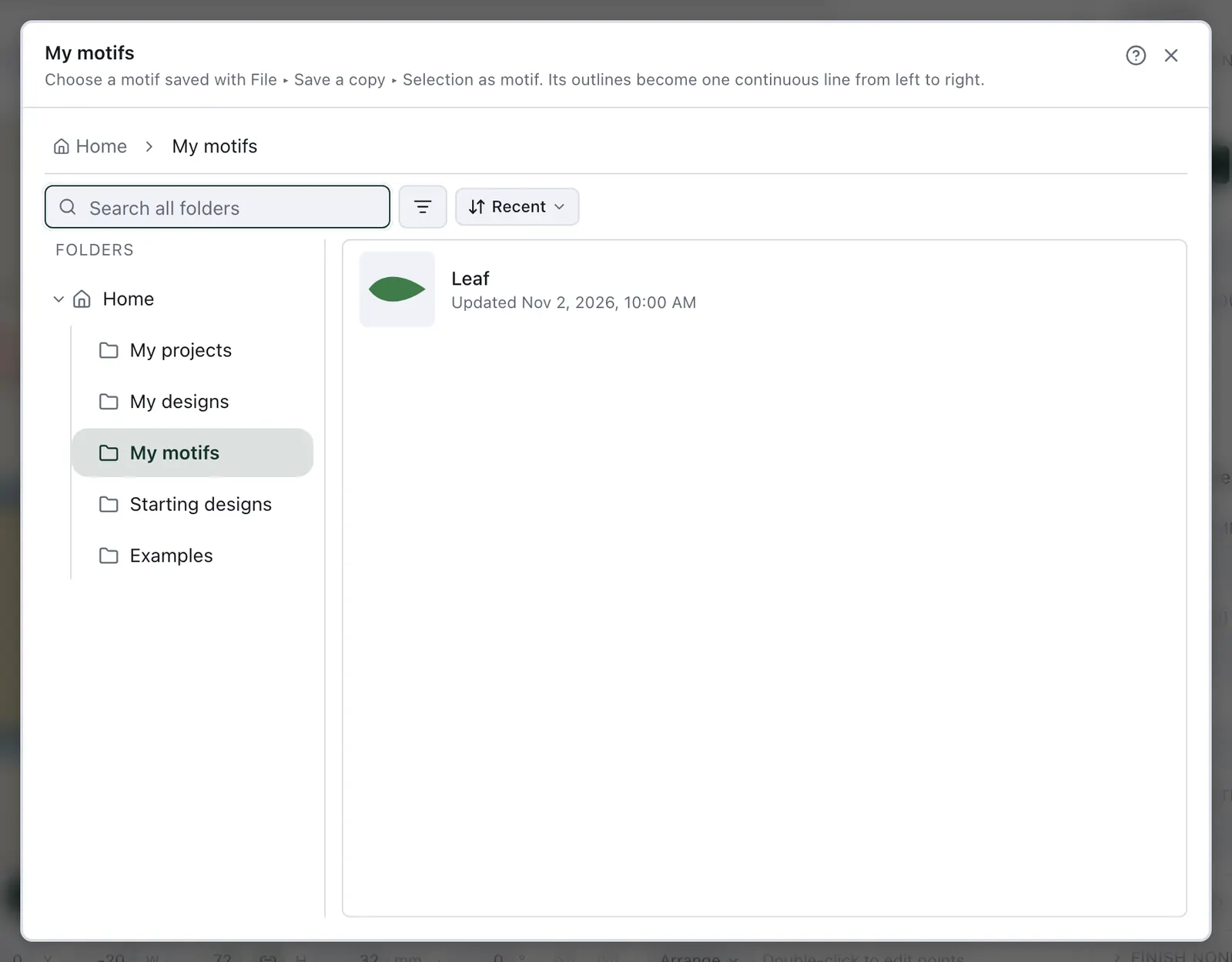
NextStitch joins the outlines of everything you kept into one line, from the middle of the drawing's left side to the middle of its right side. Parts that do not touch are joined by straight stitches, and a few stretches may be sewn twice so the line can get from start to end without a jump. Its height becomes the motif size you set. Each time you pick it, the file is read again: change the drawing in My motifs, and the designs that use it keep their motif until you pick it again.
When it has no motif
A motif run with nothing to repeat — a motif without a drawing, such as one from a design made elsewhere — is sewn as a plain running stitch, and Problems says "This motif run has no motif, so it is sewn as a running stitch." Choose a motif in its Stitch settings, or for its outline under Outline. Like other warnings, it can be switched off in Settings ▸ Preferences ▸ Warnings (View ▸ Warnings opens it).