
Getting started
NextStitch runs in your browser: you design and preview on your own device, then export a file for your machine.
Updated October 19, 2026
NextStitch runs in your browser: you design and preview on your own device. Open the editor to start a blank design, or pick a ready-made one under Designs.
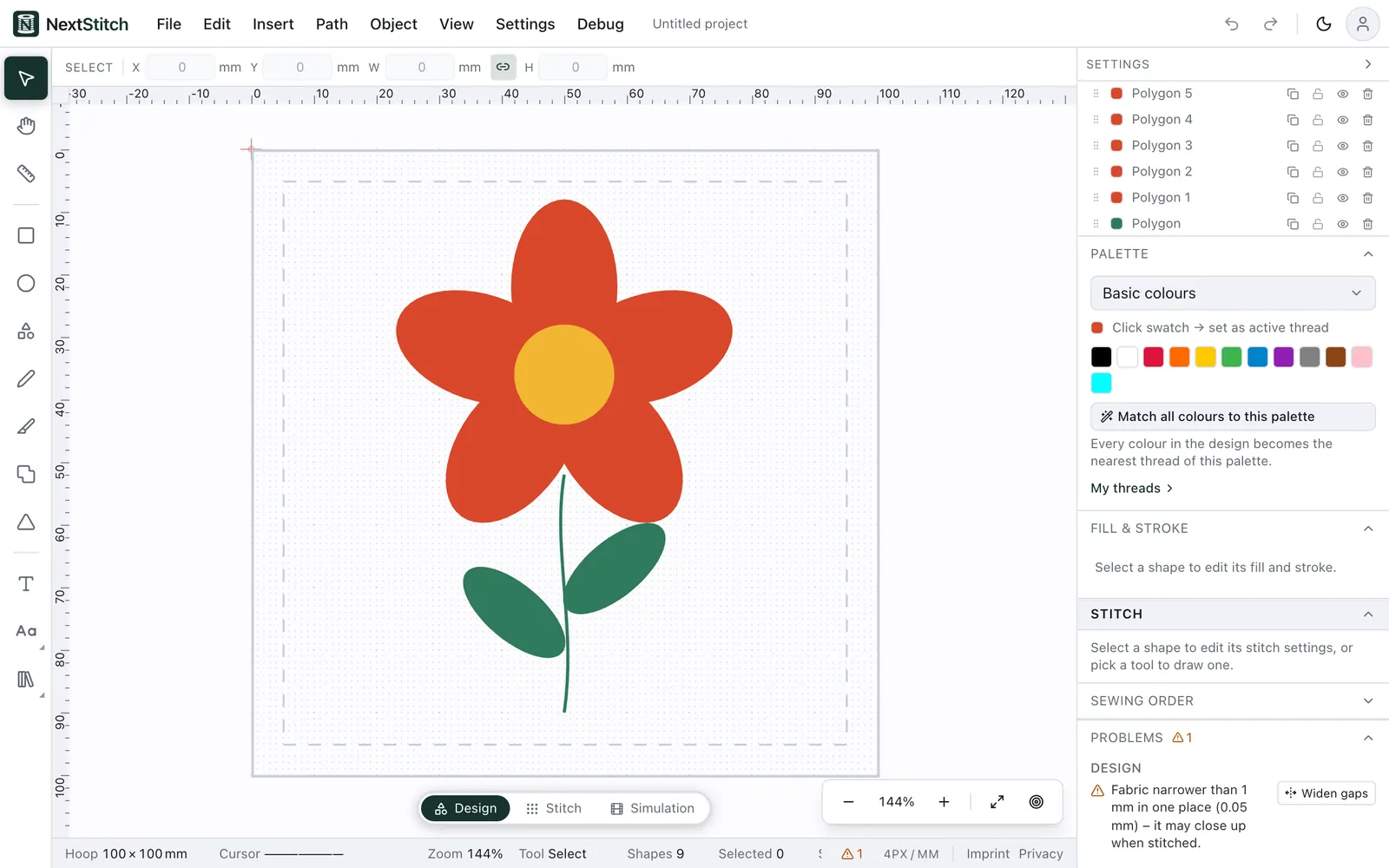
What a design is made of
A design is made of vector elements — rectangles, ellipses, polygons, paths and text. Each shape is sewn in one thread with the stitch type you choose, and it can also get an Outline: a border sewn round it in a second thread. The solid line is the hoop's sewing field and the dashed line inside it keeps a 5 mm margin. Anything that reaches past the solid line shows up under Problems, where Fit shrinks the design and centres it in the hoop until it fits.
Pick a thread in the palette, choose Rectangle, drag it out inside the hoop, then switch to Stitch to see how it will be sewn.
What happens on our server
Our server reads the files you import (SVG artwork, machine files, font zips), renders lettering and writes the machine file you export. It keeps a design only when you save it to your account.