
Fill and underlay
How a fill is sewn row by row, what the underlay beneath it does, and the settings that make a fill lie flat on your fabric.
Updated October 19, 2026
A fill covers an area with rows of stitches sewn back and forth. Underneath, an optional underlay is sewn first: a sparser layer at another angle that holds the fabric flat, so the rows on top lie evenly and the fabric doesn't show through.
The rows
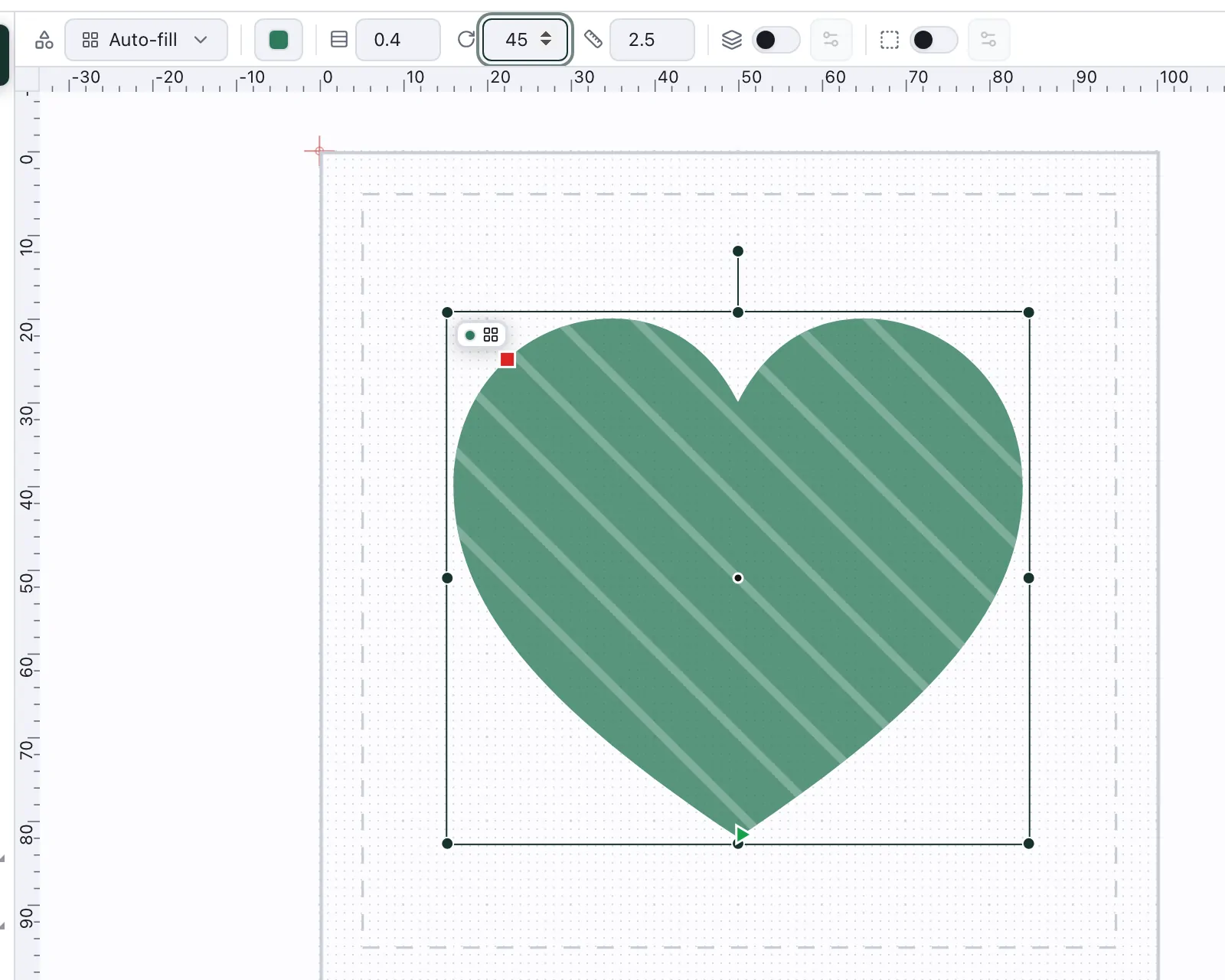
Select a filled shape and switch to the Stitch view or Simulation: the bar above the canvas sets its rows:
Row — the distance between rows. Smaller is denser: better coverage, more stitches.
Angle — the direction of the rows. Turning it changes how the light catches the thread.
Length — the longest stitch within a row.
The Design view doesn't show this bar; there the same settings are under Stitch settings in the right rail.
The underlay
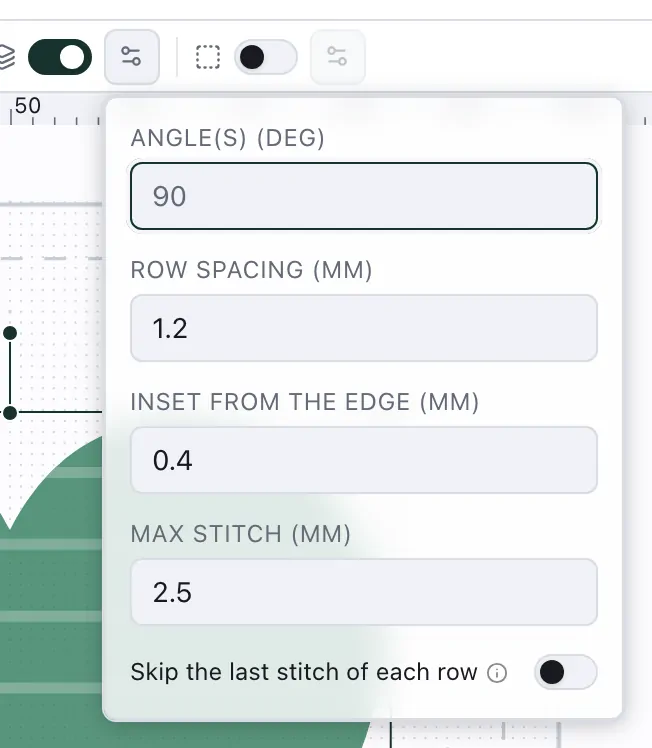
Underlay in the same bar is a switch with a gear beside it. Switching it on opens its settings straight away, and the gear opens them again later: the angle of its rows (across the fill rows unless you change it), their spacing, how far the underlay stays inside the edge, its longest stitch, and whether to skip the last stitch of each row.
Stretchy, napped or fluffy fabric wants a stronger underlay; on a stable woven fabric and in small areas, a light one or none is enough.